
An installed app need not open to cause serious trouble, as described in Bitdefender’s November 5, 2026 GhostMap report.
Researchers demonstrated a persistent loop using a code-free, permission-free app on a Pixel 10 with Android 17’s August 5 patch. Recovery could require resetting; a limited pre-existing-debugging alternative is described.
A demonstration is different from an attack campaign
The wild sample failed installation. Researchers created the later persistent loop and report no observed victim use. The study demonstrates denial of service, not data theft or attacker-code execution.
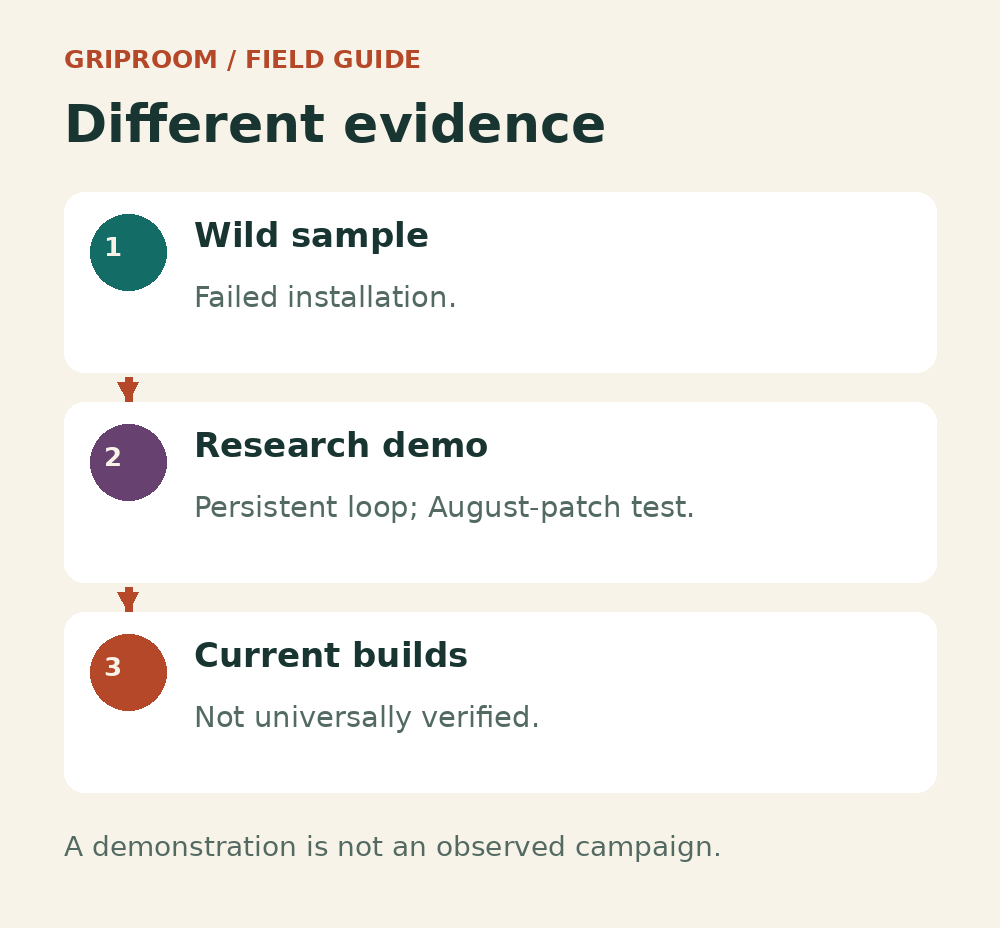
Keep the evidence separate.
The wild sample, laboratory escalation and present-build behavior are different claims. The study does not establish universal current exposure.
That distinction matters when deciding what to do with alarming security news. A severe demonstrated consequence deserves attention without being presented as an attack already reaching everyone’s phone.
A new bulletin cannot answer every patch question
Google’s November Android security bulletin states which patch levels address its listed issues. The inspected material supplies no authenticated GhostMap bug or CVE mapping. It therefore establishes neither a verified GhostMap fix nor universal vulnerability on November builds.
Keep ordinary updates current. They address documented security issues; that general reason to update should not be turned into an unsupported promise about this particular demonstration. Likewise, the absence of a familiar nickname is not proof that a defect remains unfixed.
Check what would survive a reset
The useful household task is a backup check while the phone works. Start with the information you would struggle to replace, rather than the reassuring appearance of a cloud-backup switch.
Google’s backup guidance explains how to review Backup details and warns that not every app can preserve or restore all data and settings. Photos may use Google Photos, while other files may need a separate copy. Backup and restoration can take time, and restoring to an older Android version can be incomplete.
Check the destination account as well as the data categories. Can you regain access to it if your phone is unavailable? Do you know where an important document’s latest copy actually lives? Those questions are useful even if this specific flaw never affects your device.
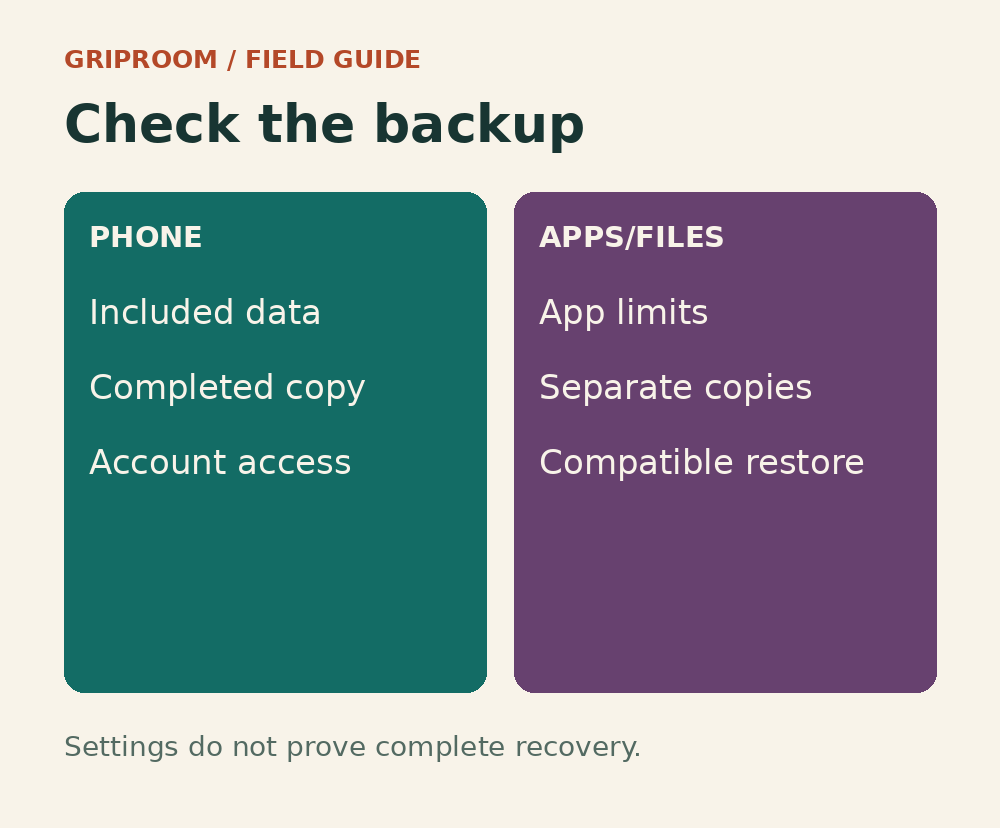
Inspect the actual backup.
Check what the phone backs up, what individual apps preserve and whether you can restore it to a compatible device. This is general resilience advice, not a tested GhostMap prevention method.
Do not confuse an intended backup with a completed one. Before relying on recovery, inspect the available details and any app-specific requirements. An important item stored only on the phone remains a single point of failure.
If a phone is already stuck
Use the manufacturer’s support or recovery instructions. Google’s reset guidance explains that erasing a phone removes locally stored data and that account credentials matter when setting it up again. Resetting is not a consequence-free restart.
Do not install a purported demonstration app to test your own phone. Nor should debugging be enabled routinely merely because it allowed a limited research recovery route.
GhostMap is a reason to distinguish a demonstrated failure from unverified present exposure—and to know what would remain if a phone had to start over.