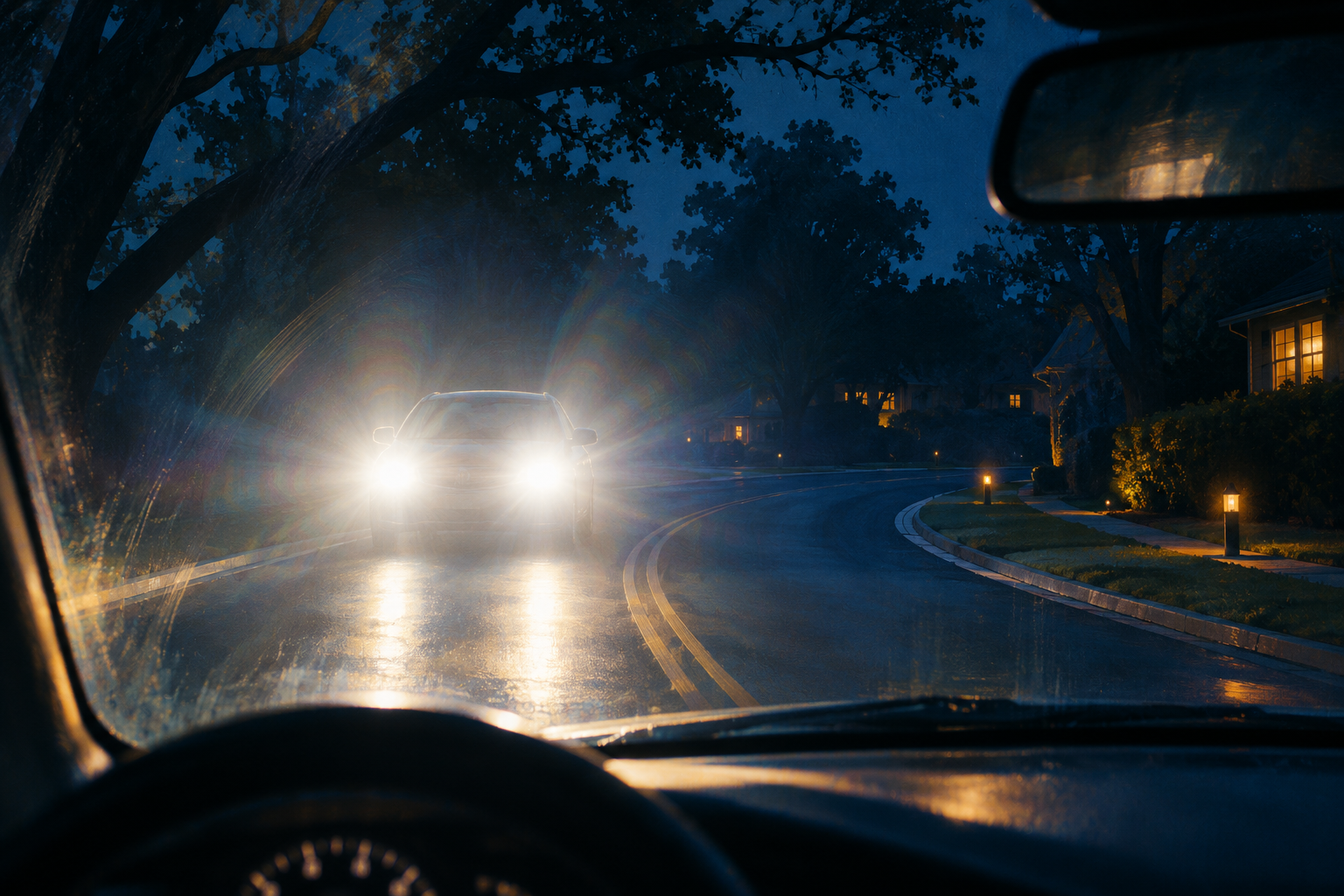
Imagine two phones on the same kitchen counter. One sounds a tornado alarm. The other stays quiet. It is tempting to conclude that somebody turned off the wrong setting, or that one carrier failed.
Neither conclusion is established by the silence alone. The phones might have received different kinds of notifications. Their emergency-alert settings, software, reception, or location handling might differ. And a warning for part of a county is not necessarily a warning for every address in it.
If a credible tornado warning covers your location, take shelter immediately. Do not wait for your own phone to confirm it. The National Weather Service advises moving to a basement or an interior room on the lowest floor of a sturdy building, away from windows. Comparing phones comes afterward. NWS warning and shelter instructions
First, were both phones supposed to receive the same thing?
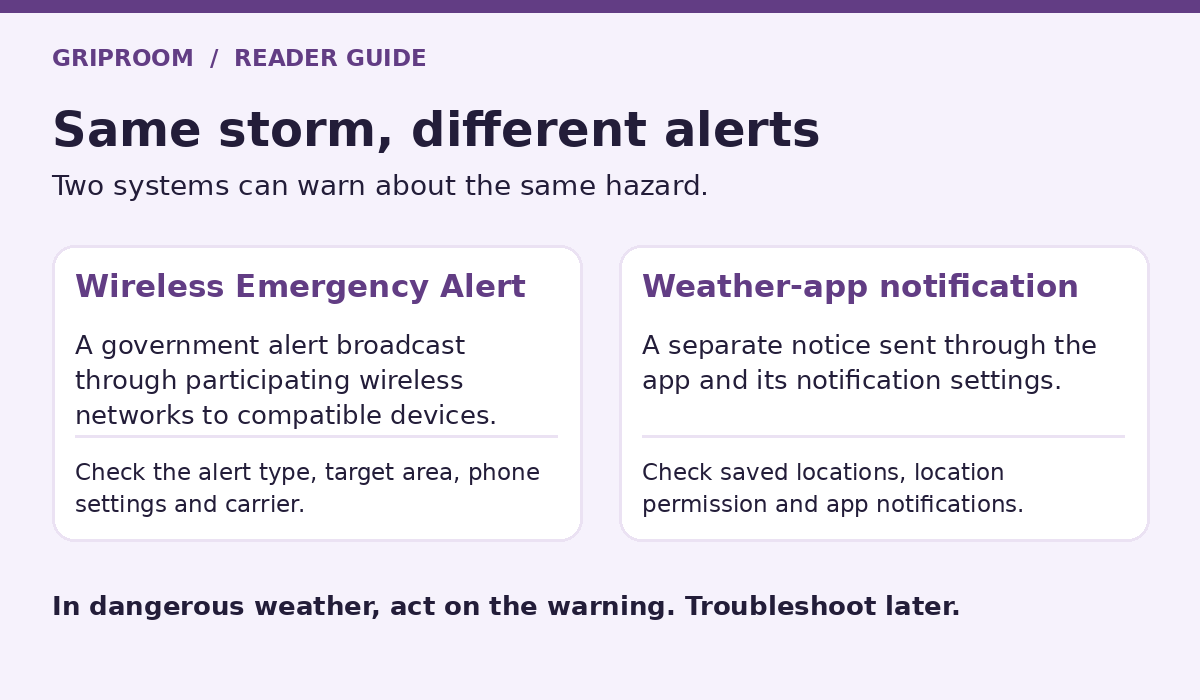
“My phone got the warning” can describe two different delivery systems.
Wireless Emergency Alerts, or WEA, are government emergency broadcasts delivered through participating wireless carriers. You do not need to install a weather app or sign up. The National Weather Service sends eligible warnings into the national alerting infrastructure, and carriers broadcast them from cell towers serving the threat area. This is not an ordinary text message sent individually to your number. NWS WEA guide, NWS warning dissemination
Weather-app notifications are a separate route. An app may notify you about your current location or a place you saved. Apple Weather, for example, offers severe-weather notifications for current and saved locations, and says Precise Location improves the accuracy of current-location notifications. Those app preferences are not the iPhone’s Government Alerts controls. Apple Weather notification guide
Before changing anything, look at the message that actually arrived. Was it a system emergency alert, a notification bearing a weather app’s name, or something else? What location and expiration time did it name?
Consider a hypothetical same-kitchen case: Phone A displays a weather-app notification for a saved address 20 miles away. Phone B has government emergency alerts enabled, but no notifications for that saved address. The different behavior does not establish a missed WEA at the kitchen. First check where the warning applies. Conversely, if Phone A shows a government tornado warning covering the kitchen, Phone B’s silence does not make the warning less urgent.
There is another easy mix-up: not every weather warning triggers WEA. NWS lists tornado warnings, but limits severe-thunderstorm WEA alerts to the destructive damage-threat category, and flash-flood WEA alerts to considerable or catastrophic threats. A weather-app notification about a different warning category is not a valid test of whether the phone missed an expected WEA. These thresholds describe dissemination, not whether a lower-category warning deserves attention. NWS alert criteria
A real warning map shows why the county name is not enough
At 5:59 p.m. CDT on April 14, 2026, NWS Milwaukee/Sullivan issued a tornado warning for northern Waukesha, southern Washington, and northeastern Jefferson counties, Wisconsin, scheduled to expire at 6:45 p.m. The bulletin described radar-indicated rotation near Lac La Belle. Iowa State University preserves the original NWS bulletin and polygon coordinates, with a mapped warning record.
Here is the useful comparison: imagine one household inside that polygon and another elsewhere in Waukesha County, outside it. Both could truthfully say, “We live in the county named in the warning.” They would not occupy the same warning area.
This is a geography example, not a reconstruction of two real phones. The archived warning does not prove that a particular WEA was transmitted, that either household received it, or why any device stayed silent. Its polygon also cannot substitute for checking subsequent warnings and updates.
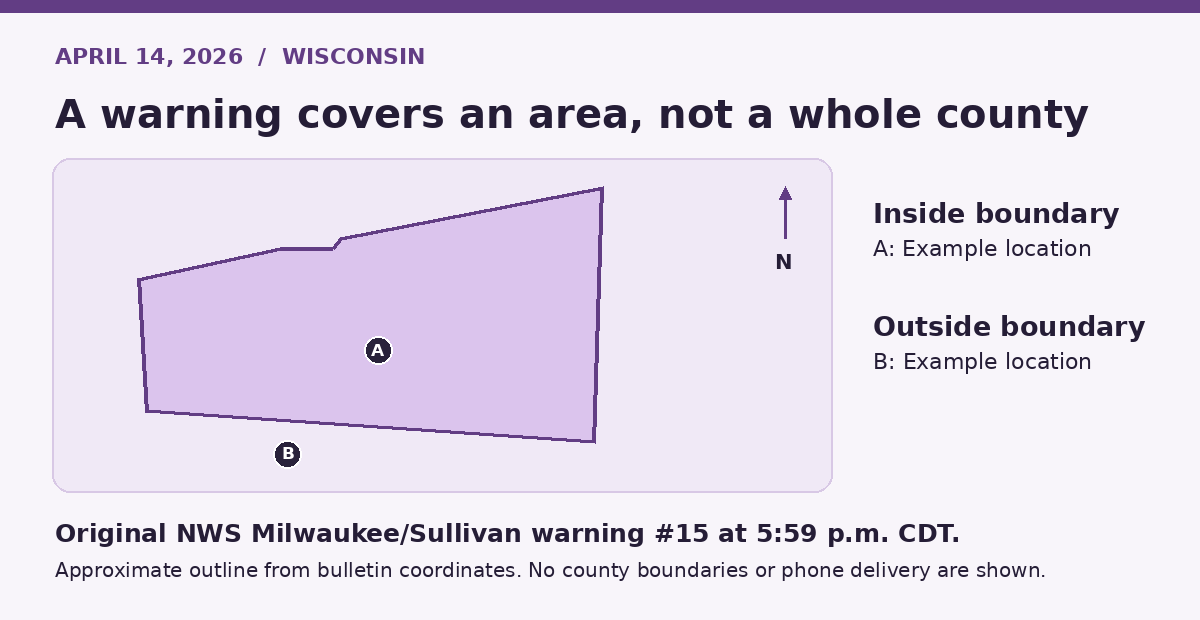
Original warning outline from NWS bulletin coordinates. Both points are illustrative. The map does not show cell towers or alert delivery.
The practical lesson is to compare the specific warning, its active time, and your location then, not just the county name in a headline. A map from a different warning or a later update answers a different question.
Being near the same tower does not guarantee identical alerts
The FCC’s geographic-targeting rule calls for participating carriers to match a specified warning polygon or circle, covering the target area with no more than 0.1 mile of overshoot, or 528 feet. But the rule allows a best-approximation approach for technically incapable infrastructure, including certain older networks or devices and phones with location services disabled. FCC geographic-targeting rule
That is an engineering requirement with exceptions, not a promise that every phone will behave identically within 528 feet of a boundary. It is also not a tornado safety buffer. The warning boundary, the area reached by cellular broadcasts, and what an individual device displays are different things.
Enhanced targeting can involve the phone checking its own location against the alert area. That does not mean the alert sender knows which people received it. NWS explains that WEA broadcasts do not identify everyone tuned in. FCC device-based targeting explanation, NWS WEA guide
Verizon’s own troubleshooting guidance identifies several possible reasons for a missed WEA: a device receiving service from an adjacent, untargeted cell site; signal coverage; and hardware or software behavior. It also notes that similar phone models can have different software or firmware revisions and alert capabilities. These are possibilities to investigate, not a diagnosis of your phone. Verizon WEA FAQ
If both phones were beside each other and the messages really were WEAs, do not default to the county-boundary explanation. Compare their carrier, reception, settings, and capabilities. The map narrows the question; it does not settle it.
Check the right controls before the next storm
On an iPhone
Open Settings → Notifications, then scroll to Government Alerts at the bottom. Review the emergency-alert options available on your device. Apple says Government Alerts are enabled by default and depend on a supported carrier’s SIM or eSIM. Available controls can differ by country or region. Apple’s Government Alerts instructions
Then check your weather app separately. Confirm whether it is set to notify for your current location, saved places, or both. Do not mistake a successful change to Apple Weather notifications for a repair to WEA reception.
On an Android phone
Search Settings for “wireless emergency alerts.” Google documents a path through Safety and emergency, while other Android instructions use Notifications. The search avoids guessing which menu your manufacturer uses. Review the relevant emergency-alert switches. Android’s emergency-alert instructions
Google documents past emergency alerts and sound/vibration controls under Wireless emergency alerts. Check that area first. Do not confuse it with Android’s general Notification history, which Google says is unavailable on some devices and varies by model. A blank general history screen is not conclusive evidence that no WEA arrived. Google’s emergency help guide, Android notification-history limitations
If an emergency-alert record is present, save it. That changes the question from “Did anything arrive?” to “Why didn’t I notice or hear it?” Avoid assuming the answer is Do Not Disturb or another ordinary app-notification setting without checking the device’s emergency-alert documentation.
For either platform, compare the phone model, operating-system version, carrier, and actual alert settings. If you need support, describe the missing channel precisely: “I missed a government Wireless Emergency Alert” is more useful than “the weather didn’t work.”
Save the evidence, not a theory
After you are safe, make a short incident record:
Screenshot the alert that arrived, including its source, text, and timestamp.
Record where each phone was when it should have arrived.
Note each phone’s model, software version, carrier, and whether it had cellular service.
Save the matching official warning and any available alert-history entry.
Give that record to your carrier or device support when investigating a suspected missed WEA. A setting found off afterward is worth correcting, but it does not by itself establish every step of what happened during the storm. Nor does a later successful test prove the earlier incident was impossible.
The best fix is a second warning route
The goal is not to win an argument about whose phone is better. It is to avoid making one device the household’s only alarm.
NWS identifies both WEA and NOAA Weather Radio as effective direct warning channels. A properly configured weather radio gives you a route separate from your phone; local broadcast weather coverage adds another source of information. NWS warning delivery overview
Check the settings now, decide where you will shelter, and make sure another warning source is available. During the next warning, one credible alert covering your location is enough to act. The silent phone is a troubleshooting problem for later, not an all-clear.