
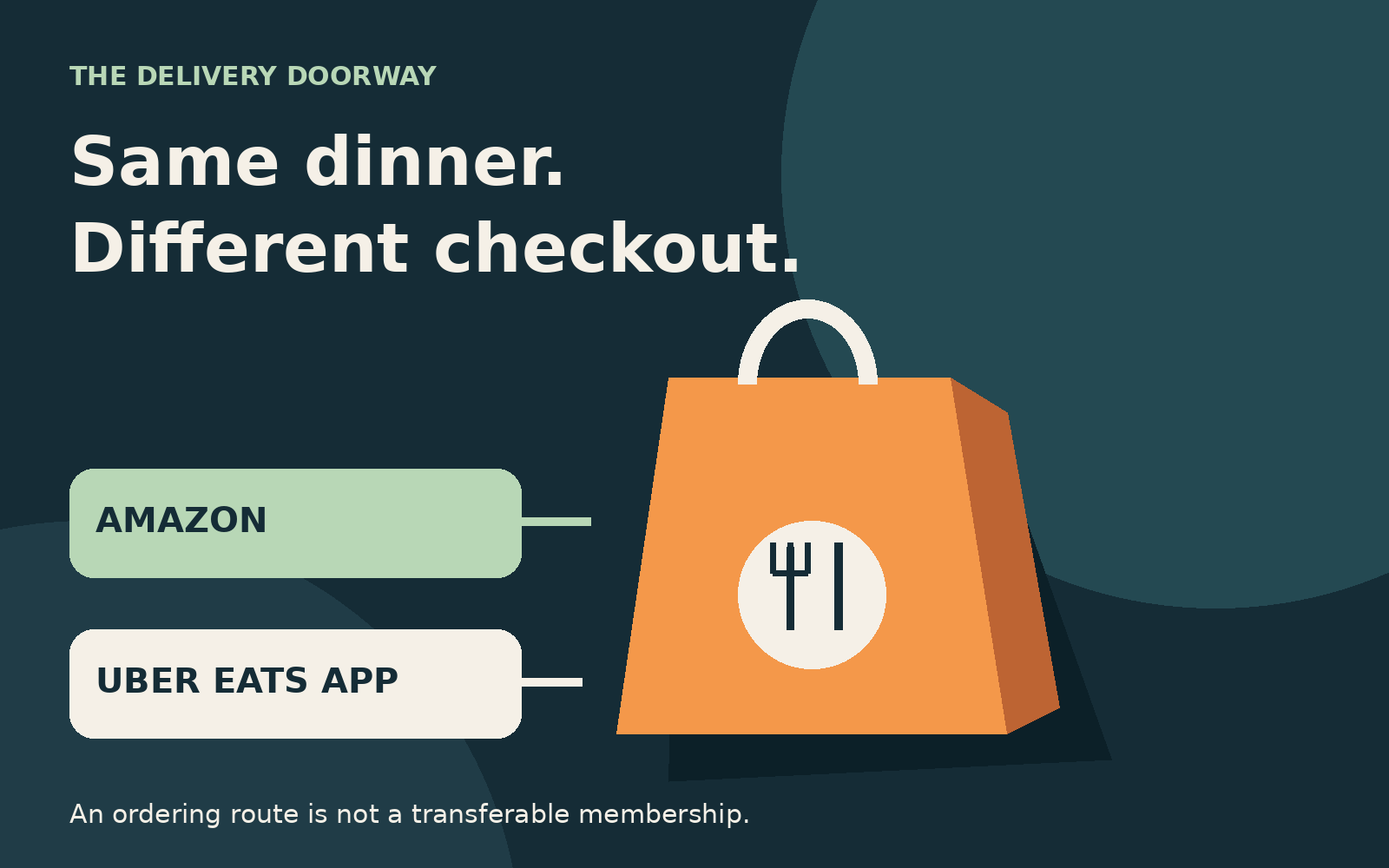
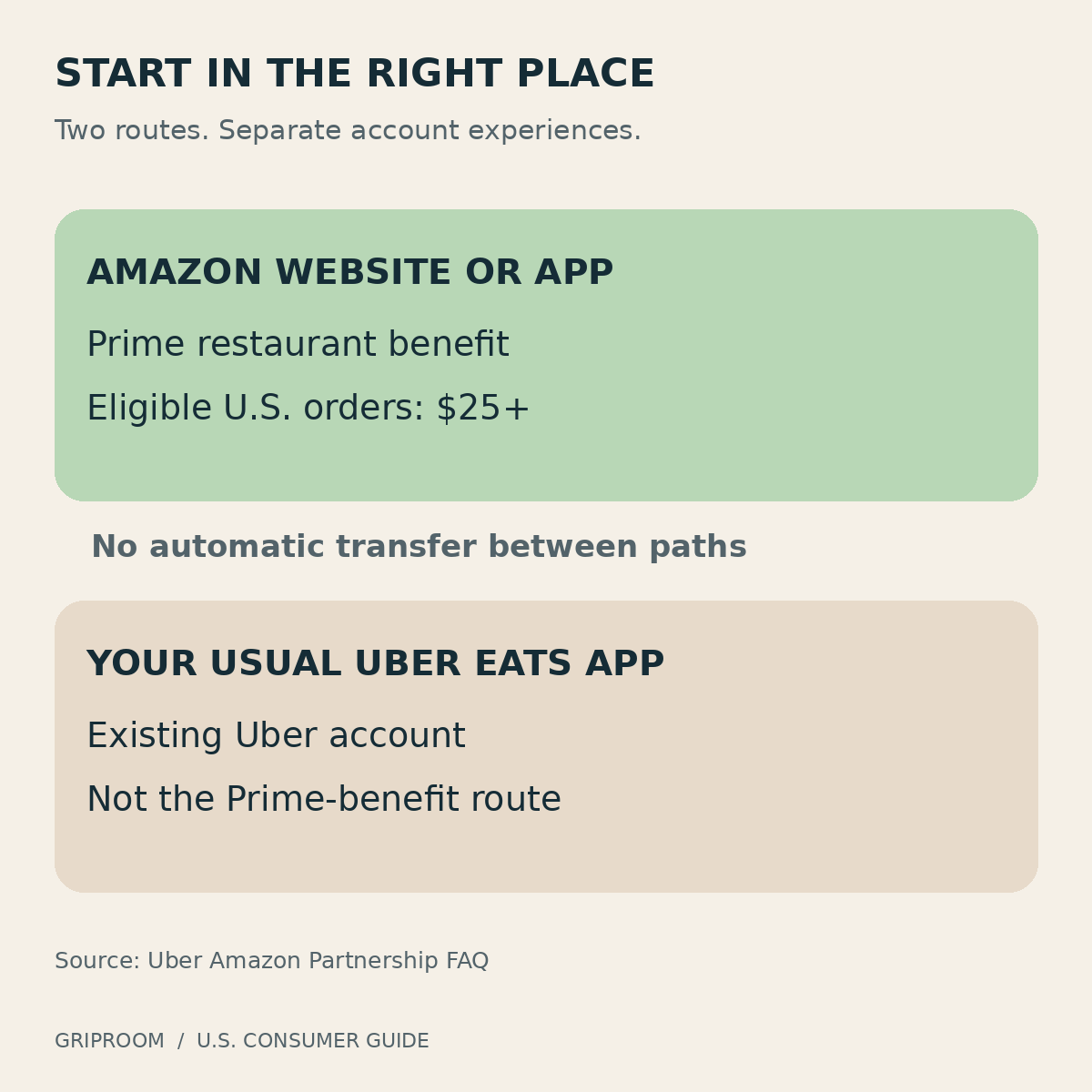
No. To use the Prime benefit, start your restaurant order through Amazon, not the standalone Uber Eats app. Eligible U.S. Prime members receive a $0 delivery fee on qualifying orders of $25 or more through that route. Uber explicitly says existing Uber accounts remain separate and Uber One benefits do not apply to Amazon orders. Uber’s partnership FAQ settles the central question.
That distinction matters more than the logos. You can recognize the restaurant, recognize the delivery company, and still be shopping through a different account experience. A benefit attached to one checkout is not necessarily a benefit attached to every order that company delivers.
Where should you start your order?
Go to Amazon’s Uber Eats entry page, or search for Uber Eats inside the Amazon Shopping app. Amazon says customers can use their Amazon login and existing Amazon payment methods, without downloading another app or manually creating a new Uber Eats account. Its launch announcement includes Prime Access and Prime for Young Adults among eligible memberships.
The practical habit is simple: begin where the benefit lives. Do not build a cart in your usual delivery app and assume that having Prime somewhere else will change its price.
Before submitting anything, inspect the delivery-fee line and the total. This is a checkout check, not a suggestion to place an order and seek reimbursement afterward. If the numbers are wrong, resolving that before payment is easier than trying to reconstruct which route you used later.
Keep the delivery address, restaurant location, meal options, and delivery method consistent when comparing screens. A burger from a different branch or with a different side is not the same basket, even when the restaurant name is identical.
Is this a free Uber One membership?
No. Think of Prime’s restaurant benefit and Uber One as two different products, not interchangeable names for free delivery.
Uber’s U.S. Uber One page describes a separate subscription with eligible delivery and pickup benefits, reduced service fees, and ride-related benefits. Its terms also distinguish eligible stores, minimums, and optional or additional delivery charges. Those are Uber One’s rules, not a shortcut to understanding Amazon’s offering.
This is why canceling an existing subscription solely because both advertisements mention a zero-dollar delivery fee could be premature. Start with what you actually use. Someone who only orders a qualifying restaurant dinner occasionally has a different comparison from someone who uses rides, groceries, pickup discounts, or a recurring credit.
A reasonable decision does not require predicting every meal for the next year. Look at a handful of orders you genuinely expect to make, compare the final bills, then separately consider any other benefits you would lose. Do not count a perk as valuable simply because it exists on a membership page.
What does the $25 threshold actually mean?
Amazon advertises qualifying restaurant orders of $25 or more. But a headline threshold should not be confused with permission to add every charge on the receipt together and declare the order eligible.
The public pages reviewed for this article did not fully explain how every discount, adjustment, or tax affects Amazon’s qualifying amount. We therefore cannot promise that a particular pre-discount basket will qualify after a coupon is applied. Nor should a reader assume that tax or a tip can push a smaller food order across the line.
Treat a borderline order as something to verify at checkout. Look for the actual delivery-fee result after the cart, offers, and address have been entered. Do not import Uber One’s subtotal rules into a different benefit merely because Uber supplies the delivery service.
More importantly, spending enough to qualify is not automatically saving money. Consider a purely hypothetical example: you wanted $22 of food, the delivery fee was $3, and you added a $5 side only to remove that fee. Before any changes in tax or other charges, you have spent $2 more. You may enjoy the side, but it was not free.
The right comparison is the meal you wanted against the meal you are about to buy, not just one fee against zero. If the extra food replaces tomorrow’s lunch, it may have real value. If it is unwanted padding, the minimum has successfully persuaded you to spend more.
Does $0 delivery mean no extra charges?
No. Uber’s partnership FAQ says service fees, taxes, tips, and other applicable charges can remain. The launch currently covers restaurant delivery, not groceries or retail shopping.
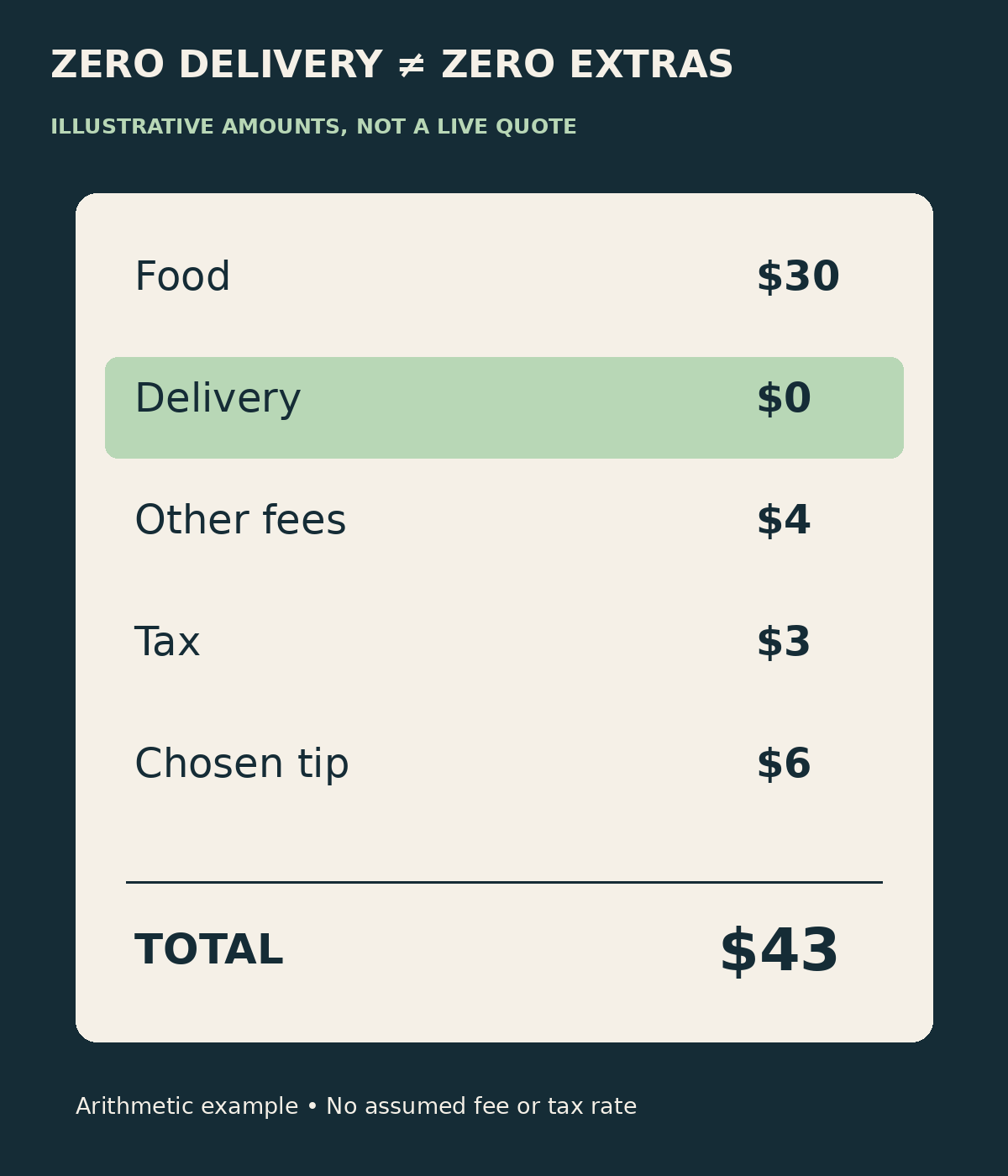
A helpful way to read the bill is to separate the food, the delivery charge, everything else, and discounts. The waived line is only one component. A checkout that removes $4 of delivery but costs $6 more elsewhere is not the cheaper checkout.
Here is a deliberately invented example, not a measured Amazon or Uber basket. Suppose the food costs $30, service and other fees total $4, tax is $3, and your chosen tip is $6. With a $0 delivery charge, the total is still $43. The arithmetic is useful precisely because it strips away the promotional framing: zero delivery does not turn a delivered meal into the menu subtotal.
When comparing options, hold your tip assumption constant so that it does not masquerade as a platform saving. Also distinguish a discount applied today from a reward earned for later. A future credit can have value, but it is not the same as reducing the amount charged now.
Can you use Uber Cash or stack an Amex benefit?
Do not assume so. Uber’s general Uber Cash FAQ describes Uber Cash as a payment option for rides and Eats, with balances potentially originating from gift cards, support credits, promotions, or Amex benefits. Its redemption instructions describe selecting Uber Cash in the Uber Eats app.
That general documentation is not confirmation that your existing balance appears in Amazon’s ordering experience. The reviewed partnership guidance does not give an explicit answer covering Uber Cash, Amex-funded balances, every gift card, or every promotional combination.
The cautious answer is not “it definitely never works.” It is “do not budget on an unverified combination.” Only count a credit or offer when that specific checkout displays it, or when terms explicitly covering that checkout confirm eligibility.
There are also two separate questions that people often collapse into one: whether an existing stored balance is usable, and whether a new purchase earns a card reward. Paying with a familiar card does not, by itself, answer either question. Check the benefit’s own terms rather than inferring eligibility from the restaurant or delivery-company name.
If you already have a balance that you intend to use, compare the regular Uber route too. For deciding what to spend tonight, a credit that actually applies can matter more than a fee waiver elsewhere. For assessing long-run value, remember that purchased credit was previously paid for; using it is not necessarily a new discount.
What about the launch discounts?
Amazon’s November 5 announcement advertised $20 off each of the first two qualifying orders during the launch’s first 14 days. It also advertised a Prime Visa offer through December 5, 2026. These are temporary promotions with eligibility and availability conditions, not permanent features of every Prime order. Amazon’s announcement directs customers to the current experience for details and says offers can change.
As of this article’s November 15 check, we have verified the announcement, not a personalized offer in a signed-in account. We have not verified a universal redemption deadline, exact cutoff time, or that any particular reader still has both introductory discounts available.
Before planning dinner around a promotion, read the offer shown to you. Check its qualifying purchase, expiration, exclusions, discount cap, and whether it combines with another offer. Then confirm the reduction appears before ordering. A remembered launch headline is not a coupon in the cart.
For a recurring comparison, run the numbers without the introductory discount as well. That reveals whether you like the ongoing proposition or just tonight’s subsidized dinner. Both can be useful, but they answer different questions.
Why do older Prime guides talk about Grubhub+?
Because the earlier offer really was different. Amazon’s May 2024 Grubhub announcement described an ongoing Grubhub+ membership and benefits including lower service fees and pickup credits.
That historical membership language helps explain why readers might expect today’s arrangement to unlock a delivery service’s normal app. But an old partner’s account structure is not evidence of how a new partner works.
Do not use a surviving old landing page as proof of your current Grubhub subscription status, renewal date, or bill. Those are account-specific questions. We have not inspected your account and cannot tell you whether you have a remaining entitlement, a separate paid membership, or an action to take. Review the actual membership screen and relevant notices before canceling or paying for anything.
Where should you go if something is wrong?
For Amazon-originated restaurant orders, Uber directs customers to Help within that Amazon experience. For a specific order, its path is Orders, then View Receipt, then Get Help. Amazon Support handles Amazon login, app, Prime membership, and Prime billing issues. Your usual Uber account may not show the Amazon order history. Uber’s support instructions identify the appropriate starting point.
Keep the receipt or confirmation associated with the actual purchase. If you need assistance, describe the issue precisely: an unexpected delivery fee, a missing item, a promotion that did not apply, or a membership problem. These are different questions, and the name “Uber Eats” alone does not identify which account contains the order.
Avoid placing a second order just because the first does not appear where you expected. First locate the original confirmation. An unfamiliar order-history screen is not proof that payment failed.
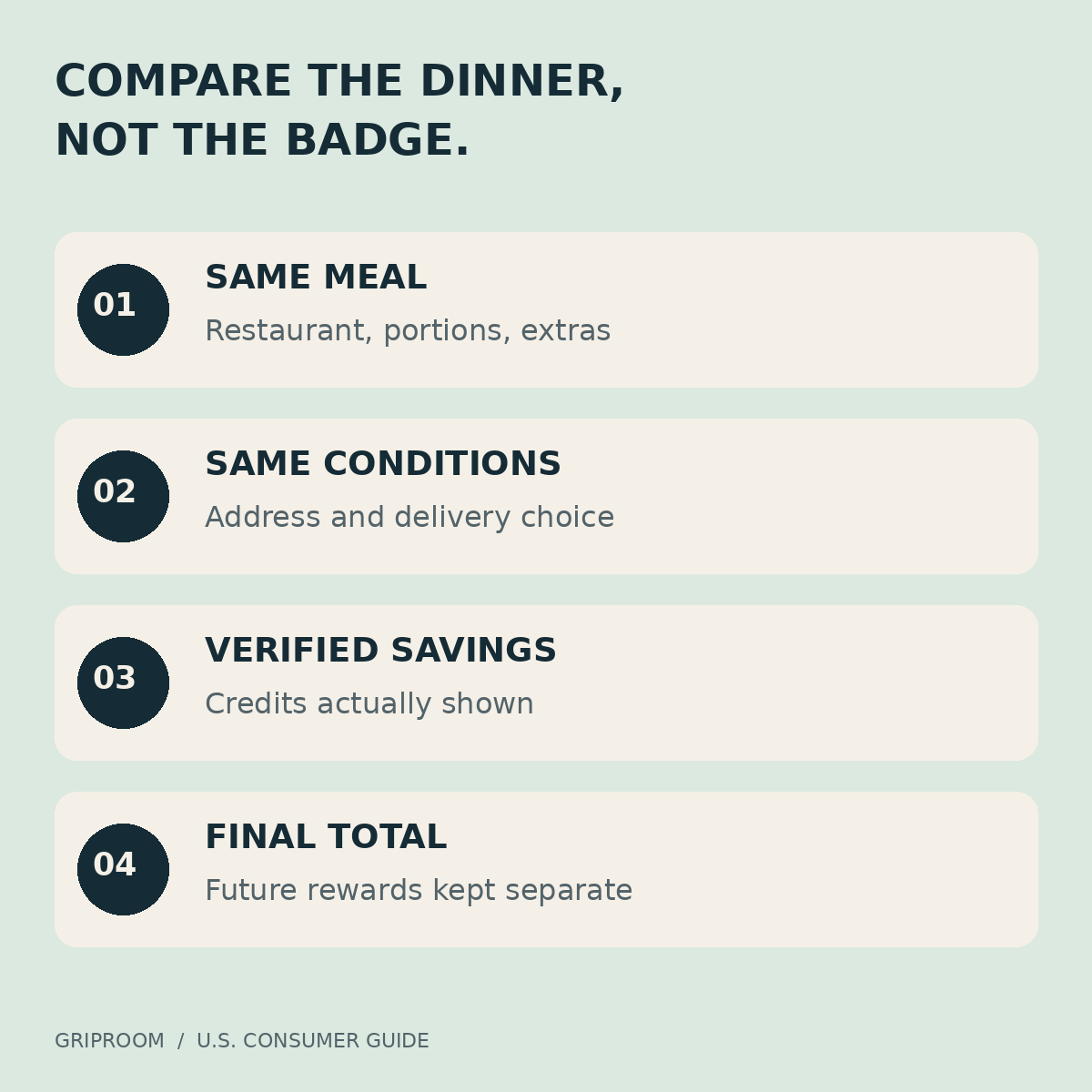
Build the same meal through the Amazon route and, if relevant, your usual delivery route without submitting either. Compare portions and extras, the restaurant branch, address, and delivery option. Read every charge. Check which discounts or credits are actually available. Then compare the amount due, noting any future reward separately.
If direct restaurant ordering or pickup is practical, that can be a third comparison, but account for the travel and time rather than treating pickup as effortless. The cheapest option on paper is not always the most useful option on a busy evening.
The conclusion is narrower, and more useful, than “Prime now includes Uber Eats.” Prime gives you a reason to check Amazon’s restaurant checkout. It does not give you a reason to stop checking the total.